Free PPT Video Maker: Turn PPT to Video Using AI and Free PPT Video Templates
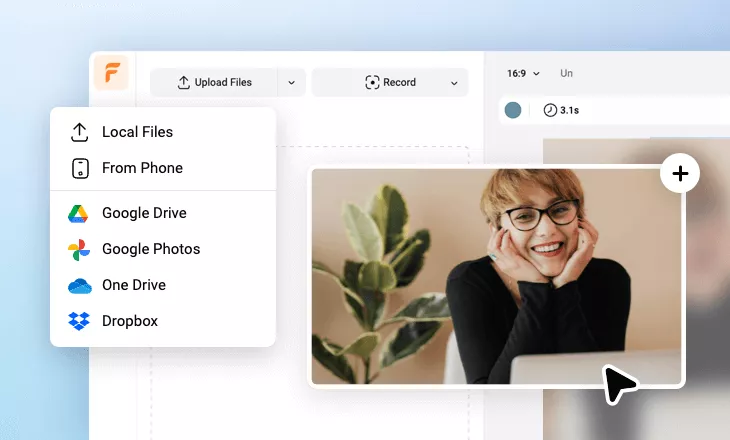
Instantly convert a PowerPoint PPT document, URL or concept ideas to a standout presentation video using FlexClip's free PPT-to-video converter online. Upload your PPT file from your device, then specify the video voiceover tone, language and length to transform the PPT contents to a video in one tap. Built-in AI tools can boost your creativity by generating realistic AI avatar footage, polished pictures and true-to-life video contents. Whether you want to turn a PPT file into an engaging presentation video to pitch a business, explain a topic, share a report or showcase your research, FlexClip goes beyond just an AI PPT-to-video converter. With a wide selection of free presentation video templates, you can easily customize with template's AI Recreate or intuitive editing. AI subtitle, AI translator and AI transcription will streamline your video production to generate sychronized subtitles, translation and transcribed footage. Leverage professional titles, intros, logo reveal animations, lower-thirds, transitions, overlays, PIP modes and music to customize the details of your PPT video with ease. Try it for free now!
Try PPT to Video Converter Handy video editor
 Rich video templates
 Extensive media library
 Dynamic text animations
- Trusted by:






Powerful PPT Video Templates for Free
 CustomizeAI Recreate
Company Presentation Sample
 CustomizeAI Recreate
Research Report Presentation
 CustomizeAI Recreate
Technology Product Presentation
 CustomizeAI Recreate
Blue Professional Business Strategy Presentation
 CustomizeAI Recreate
Business Group Presentation
 CustomizeAI Recreate
Business Plan Sample Presentation
 CustomizeAI Recreate
Modern Business Technology Company Presentation
 CustomizeAI Recreate
Business Quarterly Report Presentation
 CustomizeAI Recreate
Business Plan Presentation
 CustomizeAI Recreate
Dark High Technology Corporate Presentation
 CustomizeAI Recreate
Education Promo Presentation
Why You Need to Make a PPT Video

Boost Sales
A compelling video can absolutely influence buying behavior, leading directly to sales.

Increase Traffic
Nothing can compare to the power of video content when it comes to driving traffic to your site.

Encourage Social Shares
Videos on social media platforms generate more likes and shares than images and text combined.
How to Make a PPT Video in 3 Steps
- 1
Add Media
Add videos or photos from computer or stock libraries to the scene.
- 2
Customize
Add text, music, and voiceover to customize your PPT video.
- 3
Export
Download your PPT video in various ratios and definitions or share it online with the world.